Microsoft Defender Will Now Automatically Lock Down Hacked Devices
Microsoft is testing a new Defender for Endpoint capability that will automatically isolate compromised endpoints to stop attackers trying to move laterally across the network. The move aims to ease the burden on security operations centers (SOCs).
What Happened
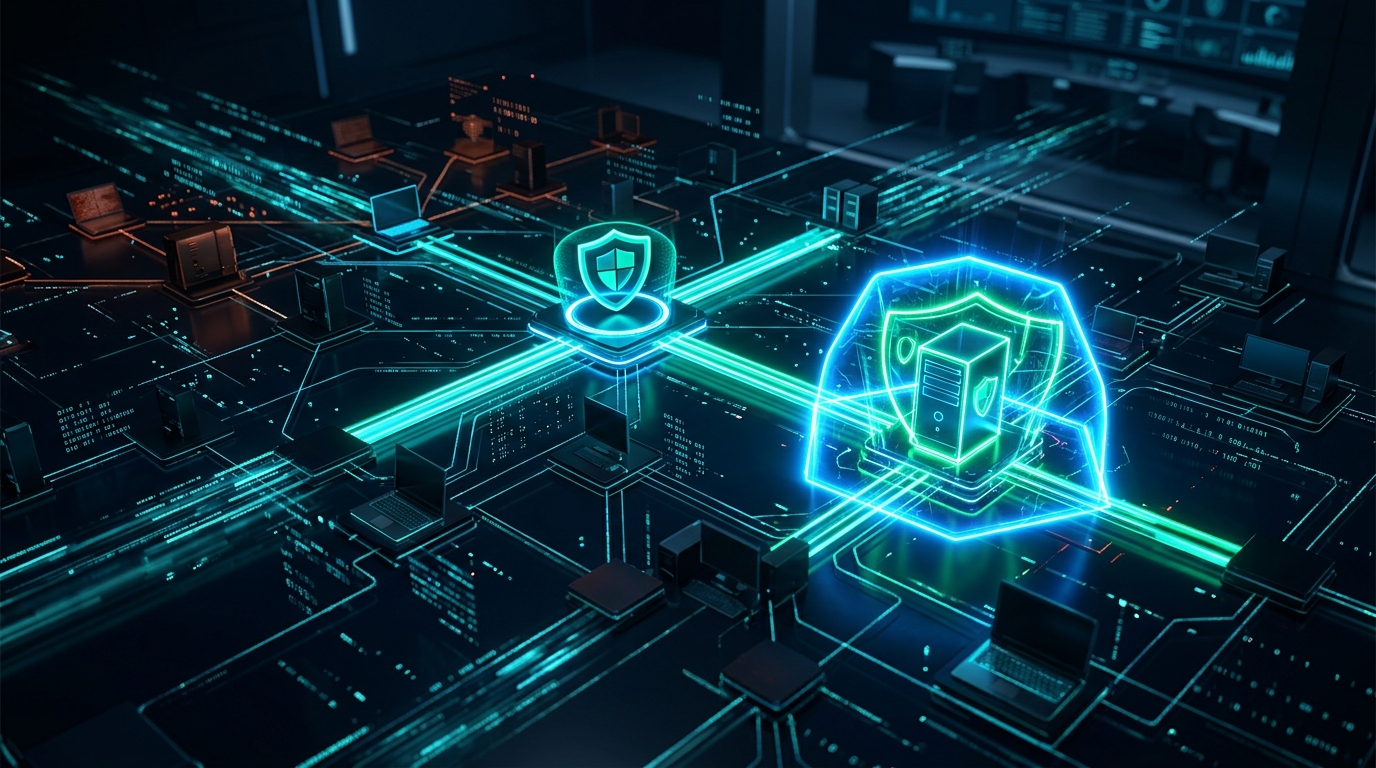
Microsoft is taking a new step in the name of automation in the cybersecurity world. The company has announced a feature in testing for its enterprise security product, Defender for Endpoint. This feature will automatically disconnect a computer or server (an "endpoint") from the rest of the network once it's identified as being compromised by an attacker. Think of it like a fire alarm in a building that automatically locks the doors of the room where the fire started. The goal is to prevent the fire—the attacker—from spreading to other rooms.
This new capability is part of a broader strategy called "automatic attack disruption." Normally, when Defender detects an anomaly, such as suspicious commands being sent from a user's computer to other machines on the network, it sends an alert to a security analyst. The analyst reviews the alert, assesses the severity of the situation, and, if necessary, manually isolates that machine from the network. This process can take even the fastest analyst minutes, sometimes longer. In an environment where cyberattacks can spread in seconds, these minutes are precious.
This is where Microsoft's new feature comes in. Now, if the system determines with a high level of confidence that a device has been compromised and the attacker is attempting to make a "lateral move," it won't wait for human intervention. It will instantly quarantine the device. This isolation blocks the device's access to the internet or other network resources while allowing it to maintain communication with the Defender for Endpoint services. This way, the security team can still remotely investigate the device to understand what happened. It's like locking an intruder in a room but keeping the security cameras running.
Has your email been leaked? Check for free — results in seconds.
Check Now →Data Compromised
This news is not about a data breach, but rather a technology announcement aimed at preventing future breaches. Therefore, we can't say "this data was compromised." However, to understand why this feature was developed, we need to talk about what kind of data attackers are after once they infiltrate a network. This technology exists precisely to protect this data.
An attacker usually infiltrates a single employee's computer via a phishing email or a vulnerable piece of software. This first machine is typically just a stepping stone for them. Their real target isn't on this machine. It's deeper within the network. So what are they looking for?
- Administrator Accounts: The holy grail for attackers is the credentials of accounts with full authority over the entire network, like a "Domain Admin." Once they have this, they can access any server, any computer they want. This new isolation feature aims to prevent the attacker from roaming the network to search for these credentials.
- Financial Data: Servers in the accounting department, customer payment information, company balance sheets, and bank account details are always primary targets.
- Customer and Employee Information (PII): Personal data such as names, addresses, national ID numbers, and salary information is highly valuable on the black market and carries significant legal liabilities.
- Intellectual Property: Product designs, patent applications, trade secrets, and software source code stored on R&D department servers represent a company's future. The theft of this data can even lead a company to bankruptcy.
- Databases: The databases of customer relationship management (CRM) or enterprise resource planning (ERP) systems are the operational heart of a company. Attackers can access and encrypt this data to demand a ransom.
Automatic isolation is designed to prevent that critical "spreading" moment that allows an attacker to reach these valuable assets. If the attacker is locked in the first room they enter, they can't get to the jewels in the rest of the house.
How the Attack Occurs
We are not talking about a specific attack here, but a general attack methodology that this new feature is designed to prevent: "lateral movement." This is an almost standard step in modern cyberattacks and usually works as follows:
1. Initial Access: Everything starts somewhere. Usually, it's with an employee's carelessness. They might click a malicious link in an email that looks like "Your invoice is attached" or an attacker might exploit a vulnerability in unpatched software on a public-facing server. The attacker is now inside the network, but only on a single, often low-privilege computer.
2. Discovery: Once inside, the attacker immediately starts to look around. Who is logged into this computer? What other machines on the network does this user have access to? Where are the important servers (like the domain controller)? At this stage, they use simple commands like "ping" and "net view" or more advanced network scanning tools.
3. Credential Theft: The attacker's goal is to capture the password or hash of a more privileged account on the machine they're on. Tools like Mimikatz are frequently used to steal credentials currently in the computer's memory. Perhaps a system administrator logged into that machine recently, and their traces are still there.
4. Lateral Movement: This is the key point. The attacker uses the newly stolen credentials or the current user's rights to jump to another computer on the network. They use legitimate system administration tools like PsExec or Windows Management Instrumentation (WMI) for this. This makes it easier for them to evade security systems because it looks like normal administrative activity. With each successful jump, they get one step closer to their goal.
Microsoft Defender's new feature targets this exact 4th step. When Defender sees an abnormal stream of WMI or PsExec commands from one machine to another and decides this activity is linked to prior suspicious events, it says, "This is not normal admin activity, this is an attacker's lateral movement," and instantly isolates the source machine. It prevents the attacker from taking the next step.
Who Is Affected
Those directly affected by this feature are companies using Microsoft's enterprise security ecosystem and their cybersecurity teams. To be more specific:
- Security Operations Center (SOC) Analysts: These are the soldiers on the front lines, dealing with hundreds, even thousands, of alerts every day. Automatic isolation can significantly reduce their workload. Instead of jumping out of bed for a midnight alert, they can rest easier knowing the system has already performed the initial response. This frees them up to focus on more complex threat hunting and investigation activities rather than simple containment.
- Medium and Large Enterprises: Especially in large companies with thousands of endpoints, manually tracking every device is impossible. Automation makes networks of this scale manageable. The difference between an attack spreading to hundreds of machines and being stopped at just one can be the difference between paying a multi-million dollar ransom and not.
- Organizations with Microsoft 365 E5 Licenses: These advanced features are typically offered in Microsoft's top-tier license packages. Therefore, companies wanting to use this feature will likely need to have a Microsoft 365 E5 license or an equivalent security license.
What about potential negative impacts? Every automation carries a risk: false positives. Imagine what happens if a completely legitimate remote administration task performed by a system administrator is mistakenly flagged as an attack by the system. That administrator's machine, or worse, a critical server they are working on, could be automatically isolated. This could halt workflows and disrupt production. That's why Microsoft emphasizes that the confidence level of this feature is very high and it will only be triggered when it matches specific attack patterns.
What You Can Do
If you're a system administrator or security professional and your company uses Defender for Endpoint, this new feature involves direct, actionable steps for you. We're not talking about generic advice like "use a strong password."
1. Check Public Preview Settings: This feature is not yet generally available; it's in the testing phase. Check if your organization has enabled public preview features in the Microsoft 365 Defender portal. If so, you may start seeing this feature in your portal. Follow Microsoft's official documentation to learn exactly where the feature is located and how to configure it.
2. Test and Pilot: Rolling this feature out to the entire company immediately could be risky due to the aforementioned false positive risks. Instead, start by enabling it on a smaller, controllable group, like the IT department or a specific test user group. Observe how the system reacts to normal administrative activities. Monitor for any unexpected isolations.
3. Learn the De-isolation Procedure: When a device is isolated (rightly or wrongly), you need to know how to reconnect it to the network. Learn and document the steps to release a device from isolation in the Defender portal. In the event of a false positive, you should be able to get a critical server back online within minutes.
4. Manage Expectations: This isn't a silver bullet. Automatic isolation might stop an attacker's first attempt, but it doesn't mean you can neglect basic security hygiene. Fundamentals like vulnerability management, phishing training, and strong authentication are still vital. This tool adds another layer to your defense; it doesn't replace the others.
5. Keep Your Asset Inventory Updated: Understanding which device was isolated begins with knowing how critical that device is. You should have an up-to-date inventory of all devices on your network (servers, laptops) that includes what they do, who owns them, and their criticality. That way, when "SRV-DB-01" is isolated, you'll immediately know it's the company's main database server and requires urgent attention.
What the Company Says
In its blog post and technical documents announcing the new feature, Microsoft states that this is a response to modern ransomware attacks and human-operated cyber campaigns. According to the company, once attackers get into a network, they often try to spread in predictable and noisy ways. This "noise" provides an opportunity for automation to detect them.
Rob Lefferts, a Product Marketing Manager at Microsoft, said in a statement, "The speed of attacks has surpassed the speed of human intervention. We have to give security teams back precious seconds and minutes in the initial moments of an attack. Automatic attack disruption is designed to prevent an attack from escalating from an alert on a single machine into a full-blown corporate crisis."
The company underscores that this feature was developed specifically to break the spread phase of ransomware attacks. In many ransomware incidents, attackers expand their access using lateral movement techniques before encrypting hundreds of computers across the network. Microsoft's claim is that this automatic isolation can break the attack chain long before the encryption begins.
They also note that this feature provides a glimpse into the future of XDR (Extended Detection and Response) platforms. In the future, security products will not only generate alerts but will also autonomously act against high-confidence threats, making analysts' jobs easier. This feature is presented as a tangible example of that vision.