Microsoft Topples the Notary of Ransomware
Microsoft has shut down a clandestine digital signing service that cybercriminals used to make their viruses appear 'safe.' This operation deals a major blow to the infrastructure behind ransomware attacks.
What Happened
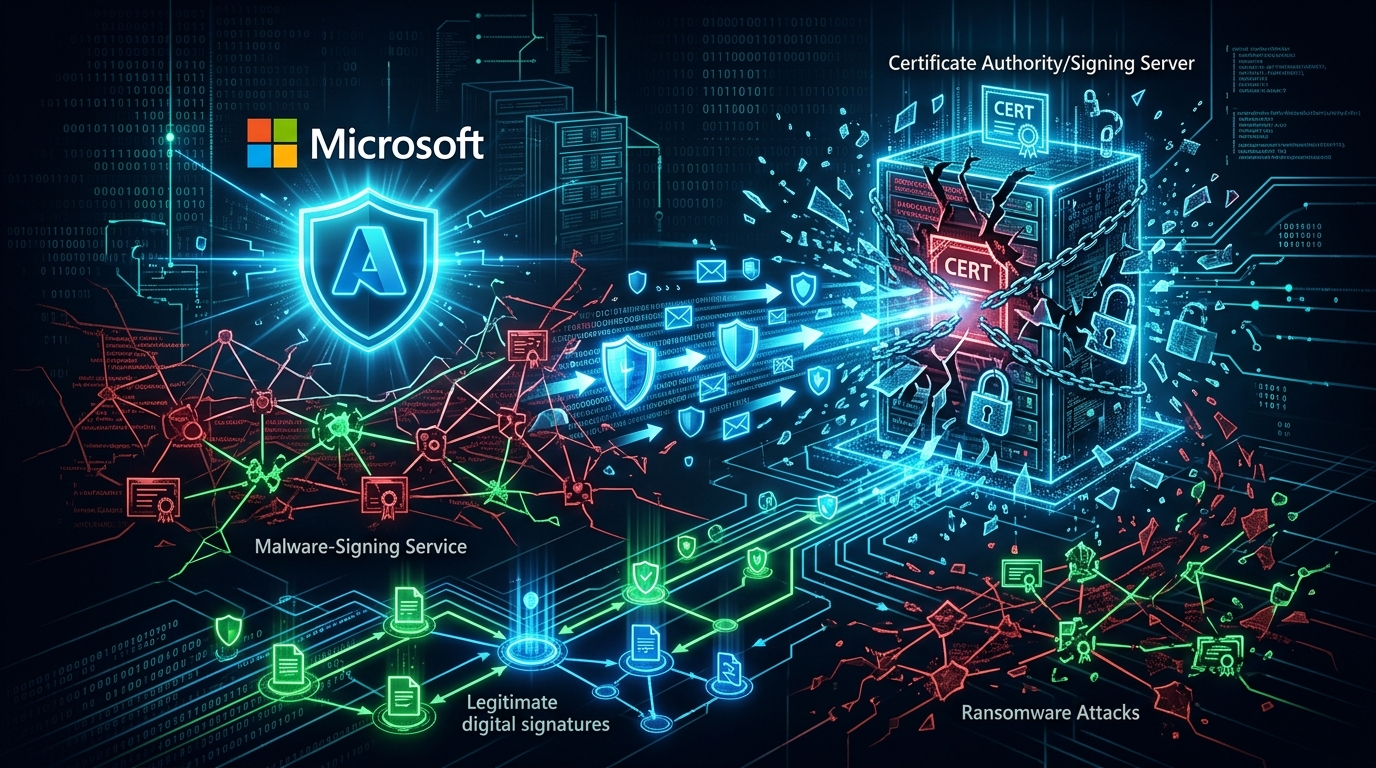
Microsoft has executed a quiet but profound operation in the cybersecurity world. The tech giant announced it has dismantled a piece of infrastructure used by ransomware gangs for years, a sort of "digital notary" service. This service was putting a fake "trusted" stamp on malicious software trying to infiltrate your computer. In other words, it was a fraud center designed to deceive your computer's security systems.
Imagine someone coming to your home and showing an official, sealed ID to the security guard at the door. The guard, failing to realize the ID is fake, lets them in. This illegal service, known as "Cryp-Sign," did exactly that for cybercriminals' viruses. It provided viruses with digital certificates that made them look as if they were produced by Microsoft or another legitimate software company. This allowed them to bypass even the most careful users' defenses.
Microsoft's Threat Intelligence team had been tracking this service for months. According to their statement, this wasn't just a simple operation to shut down a website. The service's servers were seized, the digital certificates they used were revoked, and significant information about the identities of the groups operating this structure was obtained. This is a serious setback for the ransomware ecosystem.
Has your email been leaked? Check for free — results in seconds.
Check Now →What Data Was Compromised
This news isn't a classic case of "so many million users' data was stolen." That's because this operation targeted the shop that sells locks and lockpicks to thieves, not a group of thieves themselves. Cryp-Sign itself wasn't directly stealing your photos or passwords. But the ransomware "stamped" by this service did exactly that.
Ransomware typically does two main malicious things when it gets on your computer. First, it encrypts all your important files (photos, documents, videos) with a very strong password and demands money, usually Bitcoin, to unlock them. Second, and perhaps worse, it exfiltrates a copy of your files to its own servers before encrypting them. If you don't pay the ransom, they threaten to publish your private data online. This is called "double extortion."
Therefore, while no user data was directly compromised by the takedown of the Cryp-Sign service, the data stolen by attackers who used this service to infiltrate countless companies and personal users is massive. This includes companies' financial records, customer lists, personal health information, family photos, and many other sensitive details. To stay updated on such attacks, it's useful to regularly check sources like Data Breach News.
How the Attack Worked
The attack method itself, the logic behind how Cryp-Sign operated, was quite clever and equally dangerous. Normally, when you develop software, you sign it with a "code signing certificate" to make operating systems (like Windows) trust it. This is a digital seal that guarantees the software came from you and hasn't been tampered with along the way.
This is one of the biggest headaches for cybercriminals. Their viruses are unsigned, so they are quickly flagged by antivirus programs and operating systems. This is where Cryp-Sign came in. The service had a collection of hundreds of digital certificates that were either stolen or created with false information. Ransomware gangs would upload their prepared virus to Cryp-Sign, and the service would stamp a seemingly valid digital signature on it and send it back.
Now the virus had a "trusted" seal. This signed virus was usually sent to victims through methods like a fake invoice in an email attachment, a package tracking file, or a fake software update. When the user clicked on this file, the security prompt from Windows or the antivirus program either didn't appear at all or misled the user by showing a "Verified Publisher" warning. The moment the user thought, "it must be safe," they were actually handing over their entire system to cybercriminals. Microsoft's operation completely eliminated this fake notary network.
Who Was Affected
The customers of this service, those who used it, are some of the most dangerous groups in the cybercrime world. Microsoft specifically mentioned that major ransomware gangs like LockBit, Conti (though no longer active, its derivatives persist), and BlackCat were actively using this service. These groups are known for targeting hospitals, schools, government agencies, and thousands of businesses of all sizes worldwide.
So, indirectly, we are all affected. Because of these groups' attacks, hospital appointments have been canceled, companies have had to halt production, and people's personal information has been put up for sale on the dark web. The demise of Cryp-Sign will make it harder for these groups to launch new attacks. They now have to find new, more cumbersome ways to make their viruses appear legitimate. This will cost them both time and money. In short, this operation may have potentially prevented thousands of attacks before they could even happen.
What You Can Do
You might be asking, "Okay, Microsoft took something down, but what does that mean for me?" A very fair question. Here is some specific, non-cliché advice for you:
- Enable Your Antivirus's "Reputation Check" Feature: Most modern antivirus software doesn't just check for virus signatures; it also checks how long a file or certificate has been in existence and how widely it's used. Since services like Cryp-Sign constantly produce new and suspicious certificates, this "reputation-based protection" feature can catch fake signatures. Check your settings and make sure this feature is active.
- Never Disable Windows SmartScreen: The SmartScreen feature built into Windows is a defense layer specifically against these kinds of falsely signed but suspicious applications. While it can sometimes show annoying warnings, this operation has once again shown how vital it is. Keep it enabled at all times.
- Pay Attention to the "Verified Publisher" Name: When you see a security warning with "Verified Publisher" while installing a program, don't trust it immediately. Look at the publisher's name. For example, if you see "Microsft Corp" instead of "Microsoft Corporation" or a nonsensical name (like "1_ClickSoftware LLC"), that's a huge red flag. Cancel the installation if you're in doubt.
- Check for Past Breaches: These types of attacks are happening all the time, and your information may have been compromised in another breach without your knowledge. This data can be used to send you targeted phishing emails. Using a Data Breach Search tool to check if your email address has appeared in previous leaks is a proactive defense step.
What the Company Is Saying
Microsoft was very clear in its blog post about the operation. Clint Watts, Vice President of Microsoft's Threat Intelligence Center, stated, "This operation has taken away one of the most trusted tools of cybercriminals. We are forcing them to be more visible, noisier, and easier to detect." Watts added that this is not a one-time victory and that their fight against cybercrime infrastructure will continue relentlessly. The statement also highlighted that the operation was conducted in coordination with law enforcement agencies in the US and Europe. This signals that legal action may be forthcoming against the individuals who operated this service.
Source
https://thehackernews.com/2026/05/microsoft-takes-down-malware-signing.html